



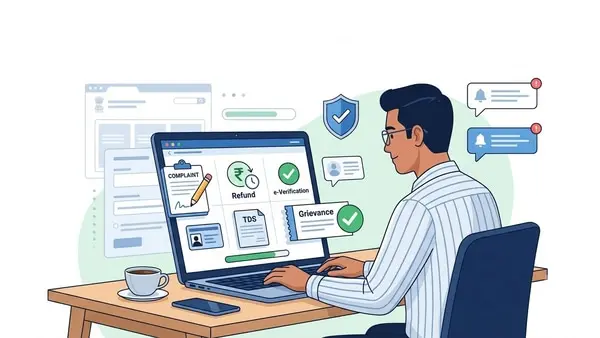
What is e-Nivaran?
What issues can taxpayers report?
- e-Filing: Covers issues related to ITR filing, statutory forms, e-verification, e-Proceedings, registration, login, password, profile updates, PAN/TAN services, Instant e-PAN, JSON utility, mobile app, and portal access.
- CPC-ITR: Deals with complaints on ITR processing, ITR-V, refunds, tax demands, rectification, and communication related to processed returns.
- CPC-TDS: Covers TDS and Form 26AS-related issues, challans, TRACES portal, TDS/TCS statements, TDS refunds for TAN, property transaction forms, and certificate download issues.
- Assessing Officer (AO): Handles grievances relating to tax demands, appeals, PAN applications, refund issues, rectification requests, and other assessment-related matters.
How can registered users submit a grievance?
How can unregistered users file complaints?
How to track grievance status?
- Pre-login: Visit the “View Grievance” section on the portal, enter the grievance acknowledgement number along with the registered mobile number, and view the latest status.
- Post-login: Sign in to the e-filing portal, go to “Grievances” and then “View Grievance Status”, and track the complaint. Users can also filter grievances by date of submission, department, or status.
Disclaimer: This is only for informational and educational purposes. Please visit the official website for the latest updates.